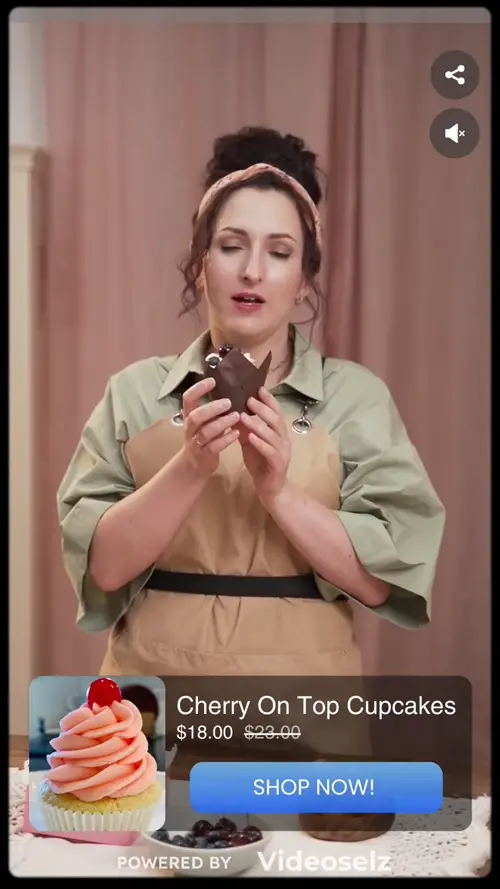
Introducing Multiple Carousels Per Page — Each With Its Own Playlist

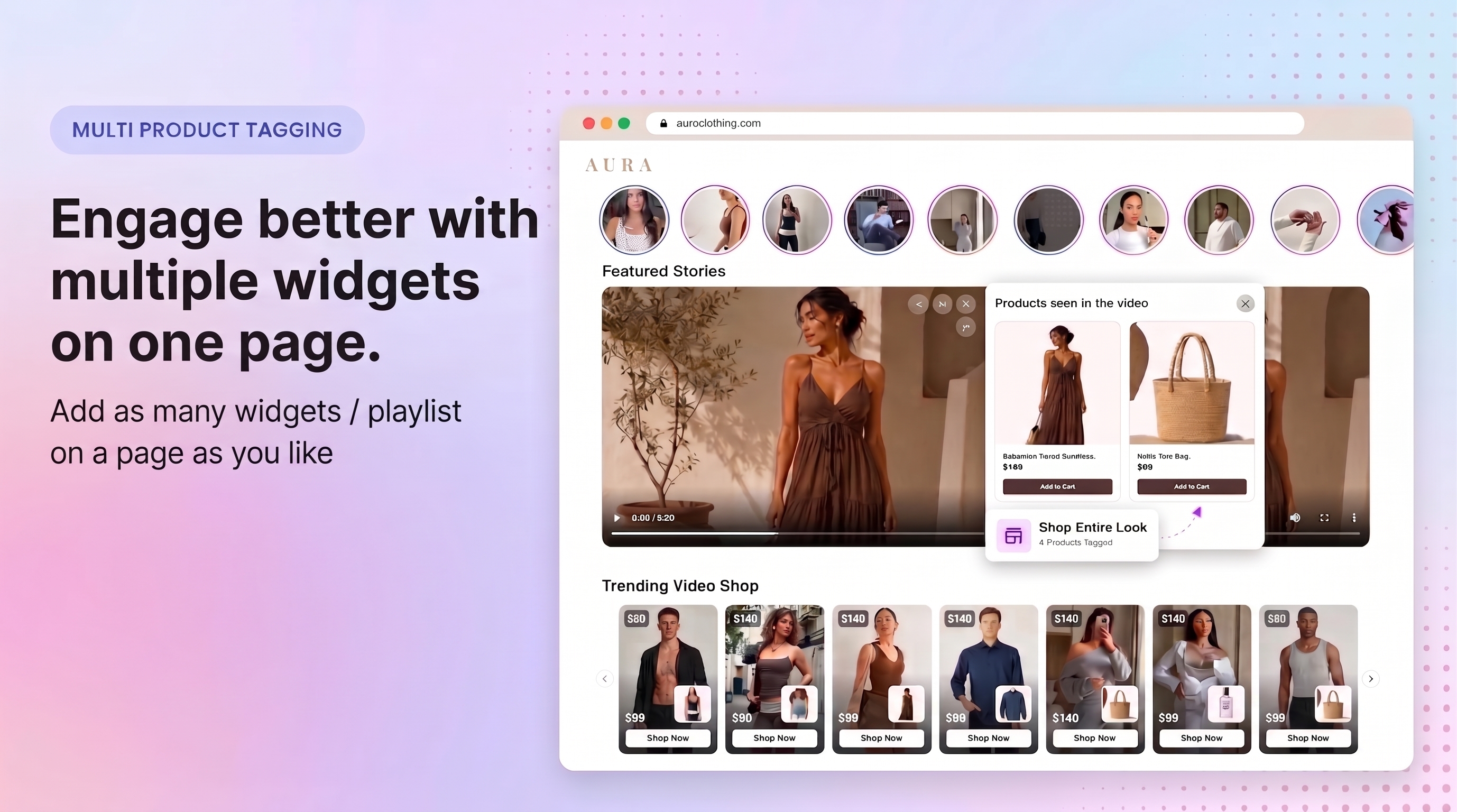
Run as many shoppable video carousels as you like on a single page, each showing a completely different playlist. One page, many stories — a hero reel up top, a how-to row mid-page, a social proof strip above the footer.
The Problem With One Carousel Per Page
A homepage isn't one message. It's a sequence — you hook a shopper at the top, teach them in the middle, and reassure them before they scroll away. But most video tools treat a page as a single slot: one carousel, one playlist, one story. If you wanted a second row of videos further down, your only real option was to duplicate the block and watch both carousels fight over the same content, the same settings, and the same fullscreen player.
Standard setups aren't built for that. Two players on one page tend to interfere with each other — tap a video in the lower row and the upper one reacts, or the wrong playlist loads entirely. The practical workaround was to give up and pick one carousel per page, which meant flattening a three-act page into a single note.
Introducing Independent, Multi-Carousel Pages
- Every carousel runs on its own. Each block you add to a page is a fully separate player with its own videos, its own fullscreen view, and its own state. Play a video in one and nothing else on the page so much as flickers.
- Point each one at a different playlist. Add the block wherever you want it, drop in a Playlist ID, and that carousel shows exactly that playlist. Leave it blank and it falls back to the default playlist for the page — the behaviour you already know.
- Style each one separately. Size, shape, colours, heading, autoplay mode, floating or fullscreen player, even custom CSS — every setting is per-carousel. A compact mini row and a large hero carousel can live on the same page without compromise.
- Nothing to configure to get started. Existing single-carousel pages keep working exactly as they do today. Multi-carousel is simply now possible, not required.
What This Means for Your Store
- Merchandise the whole page, not just the top of it. Give each scroll depth the content that fits it — discovery at the top, education in the middle, trust at the bottom — instead of asking one playlist to do all three jobs.
- Build campaign and category pages that actually differ. A collection page can carry a carousel for the collection alongside a second one for seasonal or bestselling videos, with no duplicated setup.
- Less guesswork for your team. Because each carousel is independent, you can change or swap one without worrying about what it does to the others on the page.
How to enable this feature
- In Videoselz, open the playlist you want to feature and copy its Playlist ID
- Open your Shopify theme editor
- Add a Videoselz Carousel block wherever you want the new carousel
- Paste the ID into the Playlist ID field under Block Settings
- Save
Leave Playlist ID blank and that carousel shows the default playlist for the page. Repeat for as many carousels as you want.